What determines mobile app cost? Before you ask for a proposal
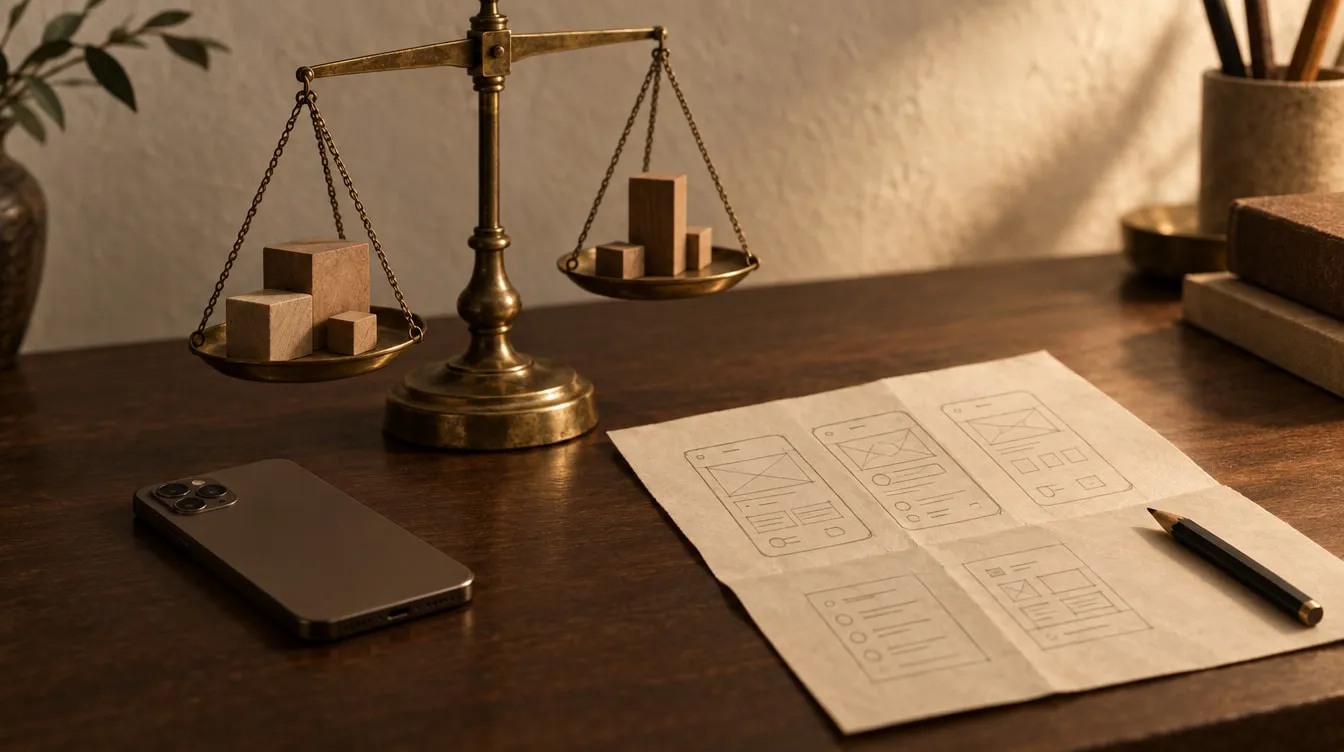
Mobile app cost is not set by a single figure but by how much the app has to do. The main factors are the scope of version one, whether you need servers and an account system, connections to other systems, the number of platforms and languages, how bespoke the design is, and maintenance after launch. Below we take each factor in turn, and give you a checklist to prepare before asking for a proposal.
A note first: we have no price list, and you will find no figures in this article. That is not secrecy. Two apps described in the same sentence can differ enormously in cost. We settle the scope together in a first conversation and then send a written proposal.
Think of the question “how much does a house cost?” How many rooms, which neighbourhood, which materials, is there a garden? A mobile app is the same. “An app for booking appointments” could describe a simple app showing one business’s calendar — or a system that takes payments, sends reminders, has an admin panel and connects to accounting.
So the healthiest way to talk about cost is to separate it into its parts. We cover the process side — discovery, prototype, development, store release — in commissioning a mobile app. Here we focus on cost alone.
1. Scope: what goes into version one?
Scope is the biggest single driver of cost, and it is measured by the number of functions more than the number of screens. One screen might only show a list; another might handle filtering, editing, sharing and offline saving all at once.
The biggest saving comes from making version one smaller. Version one should not do everything; it should be an MVP that solves one problem well. With Tako, the core was clear from the start: gather subscriptions on one screen, show the monthly and yearly total, and remind before each renewal date. Every other idea went on a “later” list.
Ask yourself: without this feature, would people still use the app? If the answer is yes, it can wait for a later version.
2. Where does the data live? Servers and accounts
This is one of the decisions you cannot see that affects cost the most. There are two basic routes:
- Data on the device. The app keeps its data on the phone. No sign-up, no log-in, no server to run. The structure stays simple.
- Data on a server. Users create accounts, data is held on a server and synced between devices. That means a back end, an admin panel and the cost of running a server.
Tako deliberately did not take the second route. No account, no forced connection; data stays on the device, following a local-first approach. That made privacy the default and kept the structure simple. But it is not right for every product: if data must be shared within a team, if you need central reporting, or if the same account has to work on several devices, a server is unavoidable.
If you do need a server, these questions shape the cost: how many user roles will there be? Do you need an admin panel? Will data sync in real time?
3. Integrations: who does the app talk to?
Does the app work on its own, or does it talk to other systems? Every connection is its own line of work:
- A payment provider or in-app purchases,
- An existing CRM, order or stock system,
- Maps, location and calendar services,
- A notification service,
- Exchanging data with a third-party API.
The cost of a connection also depends on the other side’s documentation and stability. Talking to a well-documented service is easy. Talking to an old internal system with patchy documentation takes discovery and testing.
The business model is an integration too. Selling digital content and subscriptions falls under the stores’ in-app purchase rules. Tako’s free tier is ad-supported; extended features come through in-app purchases. Because that was planned from the start, no costly rework was needed later.
4. Platforms: iOS, Android or both
Writing separate apps for iOS and Android means two projects and two lots of maintenance. With a single-codebase approach, both platforms come from one project, keeping cost and maintenance in one place. Even so, each platform has its own testing, its own store submission and its own rules. “Both” is not twice the work — but it is not zero extra work either.
We look at the platform decision in detail in iOS or Android.
5. Design, languages and device features
Bespoke design or standard components?
An interface built from the platforms’ standard components moves faster. A distinctive visual language, custom animation and brand-specific interactions need more design and testing effort. Both are legitimate choices; what matters is choosing knowingly.
Number of languages
Every new language means copy, translation, layout and testing. Right-to-left languages such as Arabic also require the interface to be mirrored. Mümin 360 works in Turkish, English and Arabic. Tako has been in 11 languages since day one — which meant thinking through every line of copy and every screen in eleven languages.
Device features
The camera, location, the compass, notifications, working offline. Each one needs its own permission wording, its own testing and its own store declaration. In Mümin 360, prayer times are calculated from the user’s location, the qibla direction comes from the device compass and the Qur’an can be read entirely offline. These features were the heart of the product — but each entered the scope as its own line.
6. After launch: maintenance is part of the cost
This is the item most often forgotten when proposals are discussed. Apple and Google update their operating systems every year, new devices appear and store rules change. An app that is not updated starts to misbehave over time, and can even risk removal from the store.
Mümin 360’s journey shows this well: after its App Store launch came version 2.1, which added a Ramadan Centre, and then version 2.5.0, which brought a Prayer Habit Panel. A living app lives through regular releases. Planning maintenance from the start is how you avoid a surprise cost later. If you wish, we take this on as monthly maintenance.
Summary and preparing for a proposal
What pushes cost up, and what brings it down
| Factor | Pushes cost up | Brings cost down |
|---|---|---|
| Scope | Fitting everything into version one | An MVP that solves one problem |
| Data | Servers, accounts, syncing, admin panel | Data kept on the device |
| Integrations | Poorly documented internal systems | A few well-documented connections |
| Platforms | Two separate codebases | A single codebase |
| Design | Many custom interactions | Simple, repeated flows |
| Languages | Many languages, right-to-left scripts | Starting with a few languages |
| Feedback | Long approval cycles | Regular, quick responses |
What you can prepare before asking for a proposal
Preparing this list also makes it easier to compare the proposals you receive:
- The problem the app solves, in one sentence.
- Who is the user? One kind, or different roles such as administrator and customer?
- The three to five features version one cannot do without — and a “later” list.
- Is sign-up and log-in needed? Should data appear on other devices too?
- The systems it must connect to, and their documentation if there is any.
- The business model: free, subscription, one-off purchase, advertising?
- Target platforms and languages.
- Two or three apps you like, and why you like them.
- Who will maintain the app after launch.
When weighing up proposals, look at how scope, source-code handover and maintenance are written. We explain this in detail in how to read a software proposal.
Frequently asked questions
Why don’t you publish a price list?
Because two apps with the same name can have very different scopes. A list price either greets you with a needlessly high figure or leads to an invoice that grows later. We find it more honest to settle the scope together and then send a written proposal.
How should I read a large gap between proposals?
Put the scopes side by side first. One proposal may leave out maintenance, the store release or the admin panel. Who will own the source code, and how testing will work, also explain much of the gap.
What is the most effective way to bring cost down?
Make version one smaller. A first version that solves one problem well, keeps its data on the device where possible and works with few connections reaches launch sooner — and grows in the right direction with real user feedback.
Is maintenance compulsory?
Not contractually; but in practice it is needed for the app to keep working. If the source code has been handed over to you, your own team can maintain it. What matters is that it is planned before launch.
If you would like to work out together what version one of your app idea looks like, and the items that will shape it, see our mobile app development service or write to us. We reply within two business days.