Studio note: why doesn't Tako ask for an account?
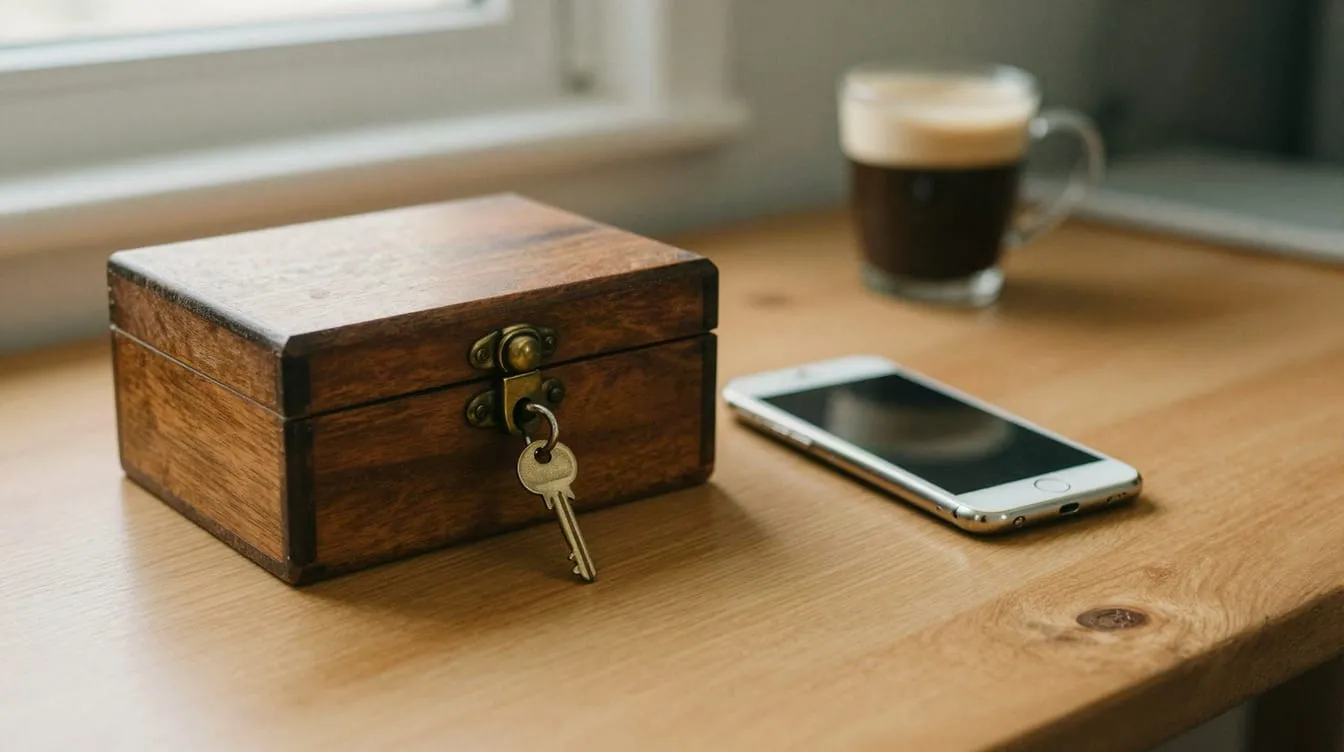
Tako doesn’t ask for an account because a list of subscriptions is personal financial data, and keeping that list needs no server. The app is ready the first time you open it — no email, no password, no login screen. That decision gave us speed, a simpler store process and a small footprint. In return, we gave up live sync between devices and any central user data.
We explained local-first in general terms in what is a local-first app. This note is about one decision we made while putting that approach into practice in Tako: the decision to drop the account.
How did we decide?
We decided with a single question: what job does an account do for the user? For subscription tracking, the answer came out as almost nothing.
An account is usually there for three things: showing data on another device, sharing it with other people, and recognising the user in order to tailor something to them. Tako users don’t share their subscription list with anyone. Nothing needs tailoring, either — the list is already the user’s own. That left access across devices, which iCloud backup could cover.
Guideline 5.1.1(v) of Apple’s App Review Guidelines points the same way: if an app has no significant account-based features, people should be able to use it without logging in.
What did going account-free give us?
Removing the account removed a whole cluster of work along with it:
- The first minute. Nobody gets lost on a sign-up screen. The app opens and setup begins; in 1.1, that setup takes half a minute.
- Password chores. We never had to build password resets, email verification or session expiry.
- Store obligations. An app that creates accounts must also let people delete them from within the app, and must give reviewers a demo account. Neither arose for Tako. We cover where these rules sit among rejection reasons in why the App Store rejects apps.
- A server. No database of user data to back up, secure and monitor.
- Trust. We never ask people to hand their list over to us. For a calm tool, that felt like the most honest answer.
What did it cost?
Like every architectural decision, this one has a price, and we accepted it knowingly.
| What we gave up | What it means | How we cover it |
|---|---|---|
| Live sync | A change on the iPhone doesn’t appear on another device straight away | iCloud backup carries data across when you change phones |
| Recovery through an account | “Forgot password” can’t bring data back | iCloud backup and CSV export |
| Looking at data in support | We can’t see a user’s list | We solve problems from what the user describes |
| Access to users’ lists | We don’t know which subscriptions people keep | We make product decisions from feedback and our own use |
| A web version | No access from a browser | We don’t see the need for now |
The heaviest row is support. When someone says “my total looks wrong”, we can’t open their data and find the fault. We debug from the steps they describe, reproducing them on our own devices.
Purchases work differently too. The one-time purchase that removes ads is tied to the user’s Apple account. When you change phones, the purchase comes back through the App Store’s restore option. Doing that without a user table of our own is a natural result of using Apple’s purchasing system.
No account — so no data at all?
There is some, and we want to say so plainly. Going account-free doesn’t mean the app processes no data.
Your subscription list, prices and reminders stay on your device; we don’t send them to a server of ours, because we don’t have one. But every Tako feature is free, and a small ad banner keeps the app going. The advertising and measurement tools process things such as a device identifier and in-app interactions, and we list these one by one in the App Store privacy declaration. Anyone who would rather not see the banner can remove it with the one-time purchase.
The honest line, as we see it: your own subscription data stays on the device; the data that advertising needs is in the declaration.
When does an app need an account?
Dropping the account isn’t right for every product. When you ask the same question about your own product, we recommend looking at these criteria:
- Is the data shared with others? Data shared with a team, a family or customers usually needs an account.
- Do people work on several devices at once? Live sync usually needs an identity.
- Is the service personal? Bookings, orders and memberships can’t run without knowing who the user is.
- Whose data is it — the organisation’s or the user’s? Data an organisation must oversee belongs on a central server.
If any of these comes out as “yes”, the account is doing real work for the user. If they’re all “no”, the weight an account brings may not be worth carrying. How this decision feeds into time and budget is covered in what determines the cost of a mobile app.
Frequently asked questions
What happens to my data if I delete Tako?
Because the data lives on the device, deleting the app deletes the list on the device too. If you’ve used iCloud backup or exported your list as CSV, you can bring your data back. That’s why we recommend keeping the backup switched on.
Without an account, could I lose my Remove Ads purchase?
No. The purchase is tied to your Apple account. On a new device or after reinstalling, the restore option in the app brings it back.
Will you add accounts or sync later?
If a clear user need emerges, we’ll consider it. But making an account compulsory would contradict Tako’s basic promise. For moving between devices today, there’s iCloud backup and CSV export.
Is an app without an account easier to get approved on the App Store?
There’s no guarantee of approval. Still, some obligations — a demo account and in-app account deletion — never come up. We cover the whole release process in our guide to the App Store review process.
If you’d like to weigh up together whether your product really needs an account, see how we work on our mobile app development page or get in touch. For what changed in Tako’s latest version, read our Tako 1.1 note.