Commissioning a business website: 12 things to check first
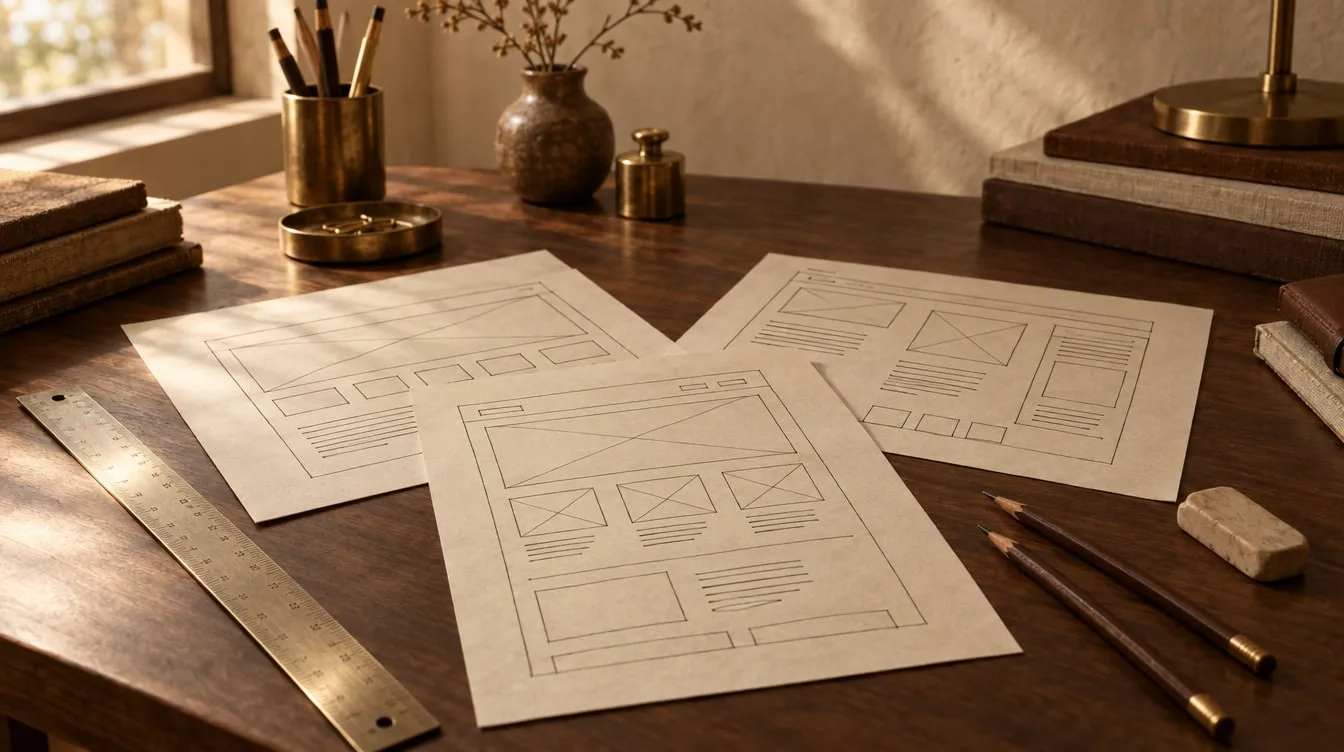
Before commissioning a business website, settle the purpose before the design: who the site is for, which questions it must answer and what you want each visitor to do. Content architecture, speed, technical SEO, accessibility, ownership of the domain and source code, and care after launch all follow from that. Below are twelve concrete points you can raise with any studio or agency before you sign.
Why a business website is still the first port of call
What does someone do when they first hear your company’s name? They search for it. The page they land on forms an impression before you have said a word.
Social accounts and platform rules change. The site on your own domain is yours. That is why a business website is not a brochure — it is infrastructure.
The twelve points below work as a checklist for comparing proposals, whether you are starting from scratch or rebuilding an existing site. We have grouped them under four headings: purpose, content, technical foundations and ownership.
Before you start: purpose and scope
1. Give the site one main purpose
“Tell people everything” is not a purpose. Write down the single action you most want a visitor to take — request a quote, book an appointment, apply as a reseller, download a catalogue. The page structure, the copy and the buttons are then built around that action.
Secondary actions are fine. But if everything carries the same weight, nothing stands out.
2. Describe your audience precisely
There is no such audience as “everyone”. Who actually visits? The executive who signs off the purchase, the engineer reading the specification, or the candidate applying for a job?
Each arrives with a different question, and a good site answers them separately and in order. If you serve readers in more than one language, decide that early. A second language is not a translation bolted on afterwards — it means pages written for that reader and linked correctly to their counterparts.
3. Review your current site and your competitors together
If you are rebuilding, you need to know which existing pages get visits and which are found through search. If their addresses will change, the old URLs must be permanently redirected to the new ones (a 301 redirect). Otherwise, search visibility built up over years can vanish in a night.
Look at competitors not to copy them, but to see which questions your sector leaves unanswered.
Content and structure
4. A sitemap before any design
Decide which pages exist, which question each one answers and how they link together — before design begins. In our own projects we do not move past this step without your sign-off, because every page added later makes an unplanned menu a little more muddled.
In a good structure, visitors find what they came for within three clicks. Each main service has its own page. Each page leads to the next sensible step.
5. Who will write the copy?
Projects stall on words far more often than on design. Agree at the proposal stage who writes what: you, the studio, or both together. Who supplies the service pages, the team profiles, the FAQ? Copy is also the foundation of being found in search. Thin or duplicated pages lose visitors and search engines alike.
6. Make the images your own
Stock photos that everyone uses make your site look like your competitor’s. Real photographs of your team, your workshop or your product build trust.
Mind three details. Every image needs clear usage rights. Images must be compressed for the web — a photo of several megabytes delays the page on a phone. And every image needs descriptive alternative text for people using screen readers.
Technical foundations: speed, SEO and accessibility
7. Speed is a requirement, not a feature
Many visitors arrive on a phone, over a connection that is not always fast. A slow page is closed before anyone reads it.
Google measures page experience too: how quickly the main content appears, how quickly the page responds to a tap, and whether it shifts about whilst loading. Ask whoever you are talking to whether they measure this before launch. We measure Lighthouse scores before going live and share the results with you.
8. Technical SEO is built in from the start
Being found in search does not come from an “SEO package” added after launch. Technical SEO belongs in the skeleton of the site:
- Clean, meaningful URLs
- One main heading per page and a sensible heading hierarchy
- Page-specific title and description tags
- A sitemap and crawl rules for search engines
- Structured data — marking up organisation, person, service or article details in a form machines understand
Nobody can guarantee rankings. But a well-built site tells search engines clearly what it is about.
9. Accessibility helps everyone
A site you can navigate by keyboard, with sufficient colour contrast and clear screen-reader support, is better for everyone, not only disabled users. Someone reading in bright sunlight benefits too.
There is an international standard for this: WCAG. We build to WCAG 2.2 AA. If a proposal never mentions accessibility, that should be one of your first questions.
Ownership, launch and maintenance
10. Domain, hosting and accounts in your name
The domain, the hosting account and the analytics tools should be registered to your organisation. If you lose access to your own site when you part ways with the people who built it, the site was never really yours.
We install sites on your existing domain and server, and handle the migration if one is needed.
11. Who keeps the source code?
What exactly do you receive at handover — just a working site, or the source code and design files as well? Ask to see this written into the proposal and the contract.
With us, the source code and every file are handed over on request. If you will be sharing confidential information, we sign a non-disclosure agreement before work begins.
12. What happens after launch?
A site is not finished on launch day. There are updates, new pages, broken links, changed contact details. Agree beforehand who will maintain the site, and on what terms.
If you want to edit content yourselves, the site needs to be set up for that. If not, monthly maintenance is an option. Watching search visibility belongs to that work as well — checking the crawl and indexing reports in Google Search Console during the first weeks catches problems early.
An example: psychologist Gülşah Yalçın’s website
To see how these points come together in practice, read our case study on Gülşah Yalçın’s website. For a psychologist offering online therapy, we started not with the design but with the skeleton of the content.
Each area of practice has its own page, shaped around its own search intent. Articles, glossary entries and FAQs link back to those pages, so a reader moves from one question to the next without losing their way.
The result is an 85-page content architecture: 13 specialism pages, 32 articles, 19 glossary entries and 4 self-assessment tests. Lighthouse scores accessibility, best practices and SEO at 100. We cover what makes a site trustworthy in a sensitive field like healthcare in websites for psychologists and doctors.
Frequently asked questions
How many pages should a business website have?
There is no fixed number. Your services and your visitors’ questions decide it. Giving each main service its own page usually works better — for visitors and search engines alike — than one long “Our services” page.
What is the difference between a ready-made theme and a custom design?
A theme gives you a quick start, but it also brings the same look as many other sites and the weight of features you never use. With a custom design, both the look and the code are shaped around your brand. We compare the two in WordPress or a custom-built website?
What determines the cost of a business website?
The number of pages, who produces the copy and images, the number of languages, special functions such as booking or integrations, and the level of maintenance you need. We do not publish a price list. We clarify the scope in a first conversation, then send a written proposal.
Will I lose search visibility if I rebuild my site?
Handled carefully, the risk drops considerably. What matters is redirecting old URLs that receive traffic with 301s, carrying page titles and content across with care, and monitoring closely after launch.
Can we update the site ourselves later?
Yes. Depending on your needs, we set up content files or a simple editing flow. If you would rather not deal with regular updates, they can be part of a monthly maintenance plan.
If you would like to go through these points for your own site, have a look at our web design and development service or write to us. We reply within two business days.